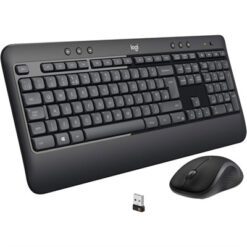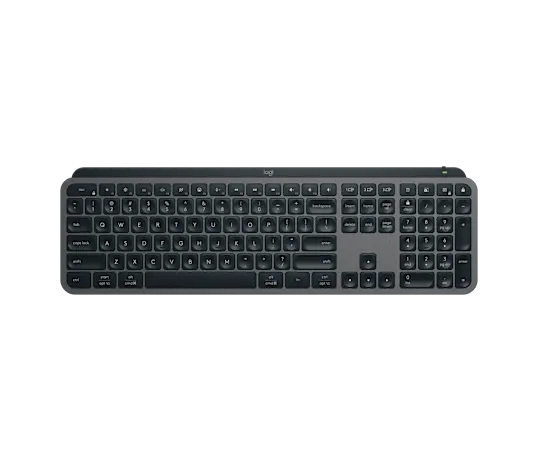
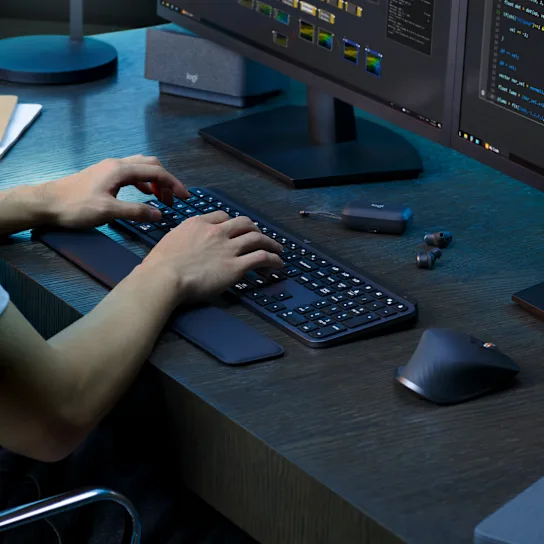
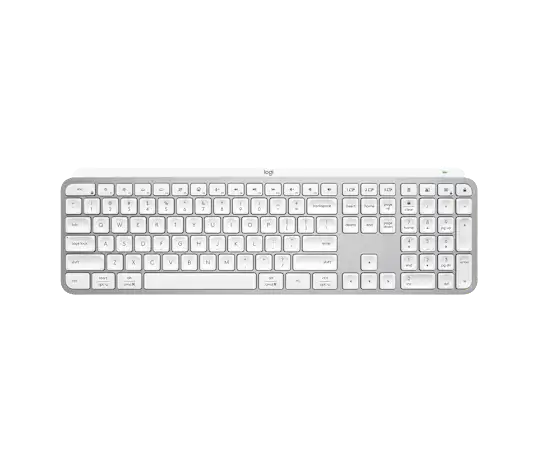

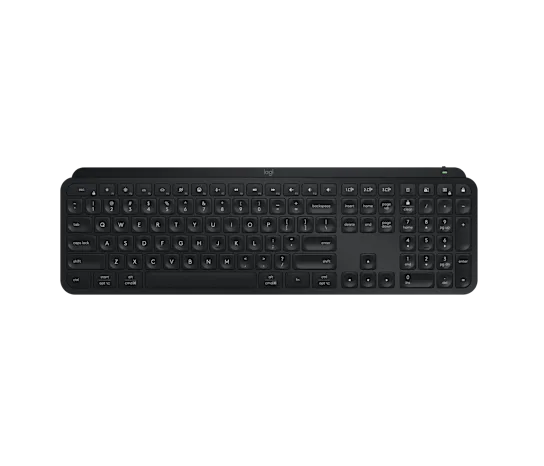

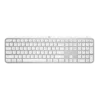


Logitech MX Keys S Advanced Wireless Illuminated Keyboard – Graphite/Pale Grey/Black
| Specification | Details |
|---|---|
| Dimensions | MX Keys S Keyboard: • Height: 5.18 in (131.63 mm) • Width: 16.94 in (430.2 mm) • Depth: 0.80 in (20.5 mm) • Weight: 28.57 oz (810 g)Logi Bolt USB Receiver: • Height: 0.24 in (6.11 mm) • Width: 0.57 in (14.4 mm) • Depth: 0.73 in (18.65 mm) • Weight: 0.06 oz (1.68 g) |
| Technical Specs | • Battery: Rechargeable Li-Po (1500 mAh) battery • Battery Life: Up to 10 days on a full charge with predefined settings or up to 5 months with backlighting off (USB-C rechargeable) • Connectivity: Bluetooth Low Energy technology or Logi Bolt USB Receiver • Multi-Device: Easy-switch keys to connect up to three devices and switch between them at the push of a button • Smart Sensors: Hand proximity sensors (turns backlighting on) and Ambient light sensors (adjusts brightness) • Controls & Indicators: On/Off power switch, Caps Lock and Battery indicator lights • Workflow Support: Compatible with Logitech Flow enabled mouse • Wireless Range: 33 ft (10 meters) • Customization App: Logi Options+ (Optional) |
| Attention (FileVault) | FileVault is an encryption system available on some Mac computers. When enabled, it might prevent Bluetooth devices from connecting with your computer if you have not yet logged in. If you have FileVault enabled, we advise purchasing the compatible Logi Bolt USB Receiver. |
| System Requirements | Bluetooth® Low Energy: • Requires Bluetooth Low Energy Technology • Engineered for Intel® Evo™ Laptops • Windows® 10, 11 or later | macOS 10.15 or later | Linux® | ChromeOS™ | iPadOS 14 or later | Android™ 8.0 or laterLogi Bolt USB Receiver: • Requires available USB Port • Windows 10, 11 or later | macOS 10.15 or later | Linux | ChromeOS • Note: Not compatible with other Logitech USB receivers. |
| Inside the Box | • Keyboard • Logi Bolt USB receiver • USB-C charging cable (USB-A to USB-C) • User documentation |